Workshop on Synthetic Data for Polyp Segmentation
 workshop.enricmor.eu
 github.com/enric1994/workshop
Day 1
- Introduction to synthetic data
- Blender basics
- 3D-based synthetic data
- Training a classifier
Synthetic data
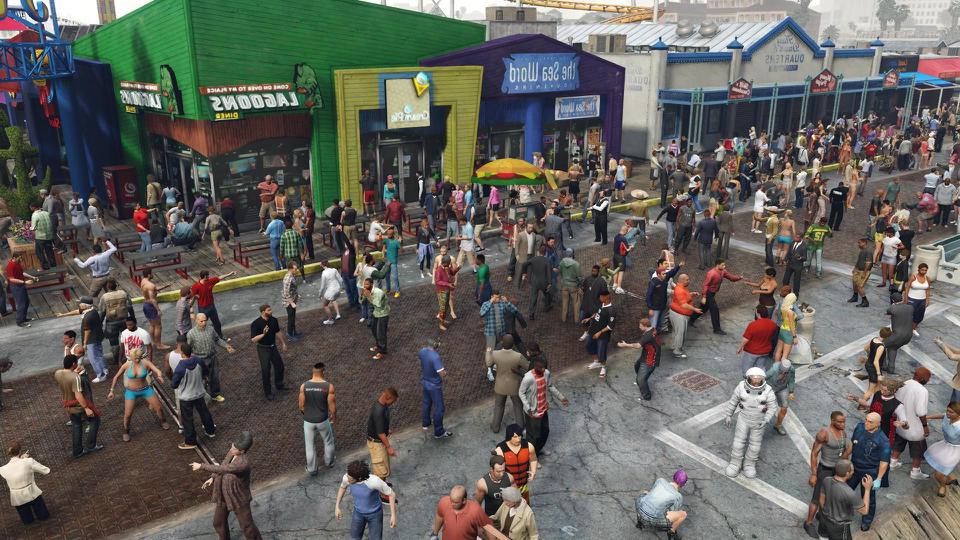
Synthetic data
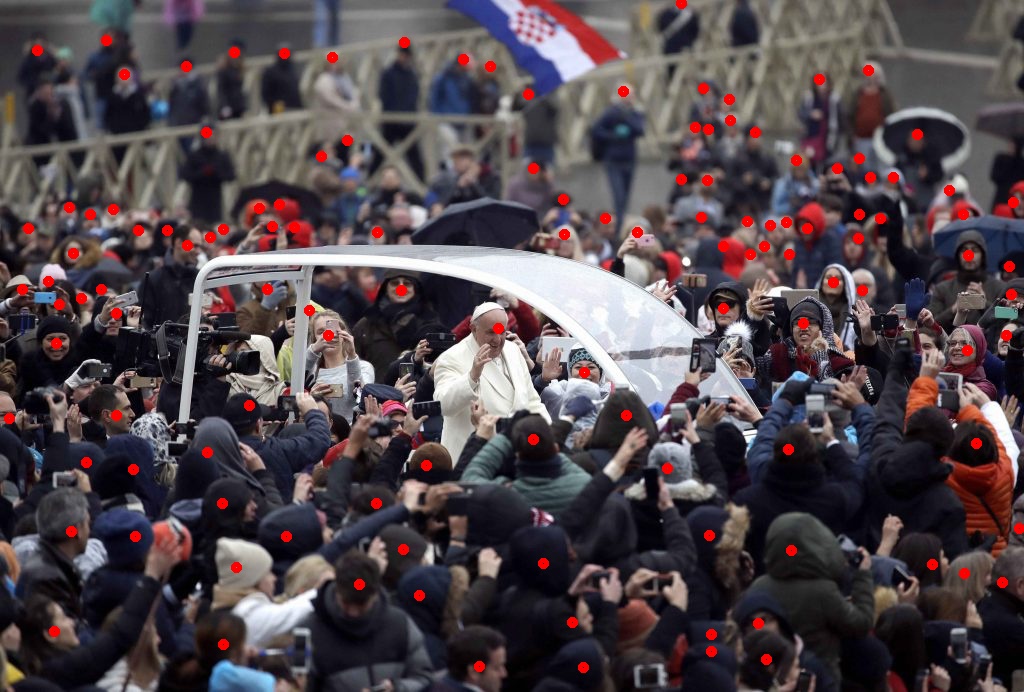
Sindagi, Vishwanath A., Rajeev Yasarla, and Vishal M. Patel. "Jhu-crowd++: Large-scale crowd counting dataset and a benchmark method." IEEE transactions on pattern analysis and machine intelligence. 2020.
Synthetic data
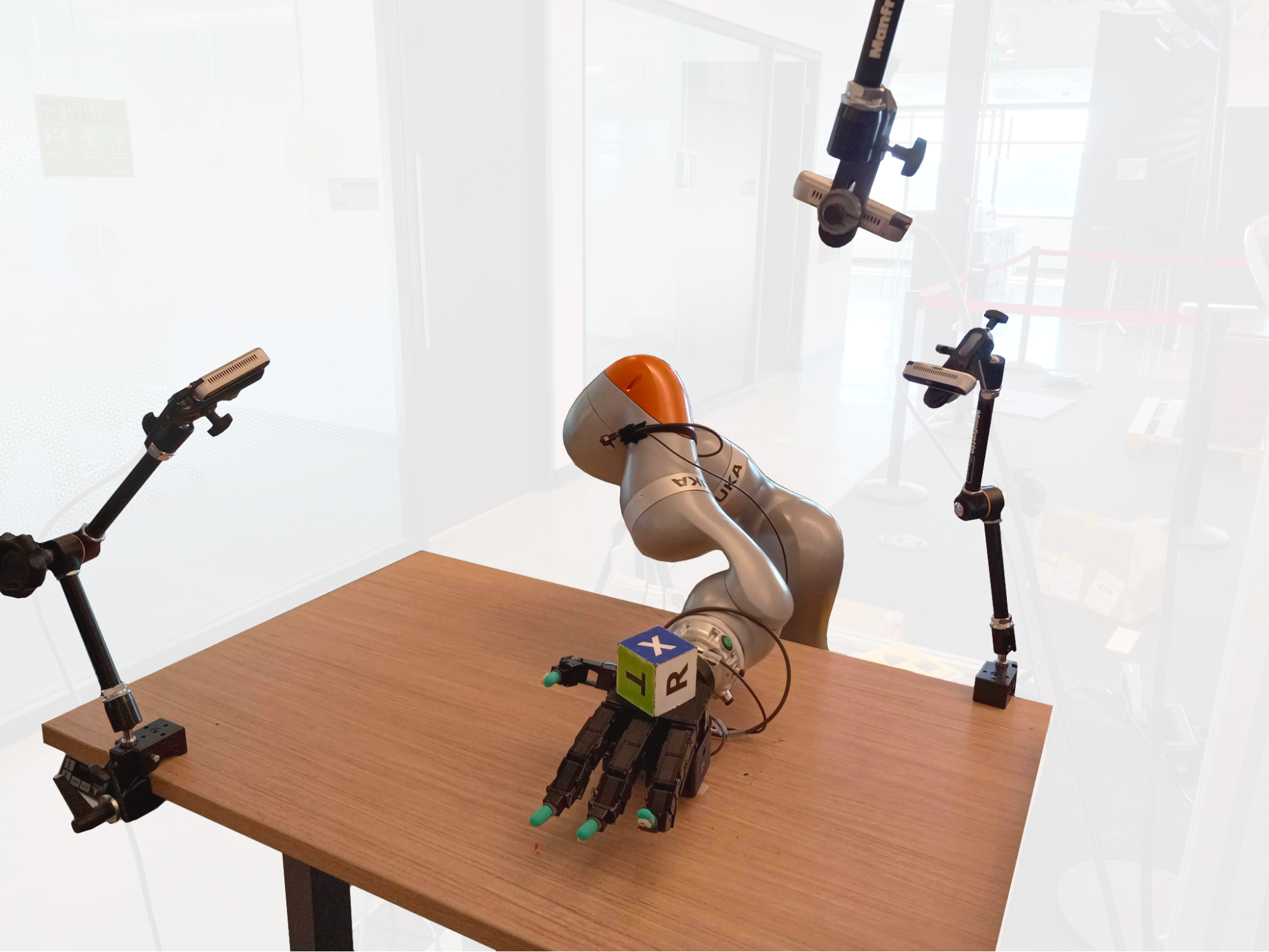
Synthetic data
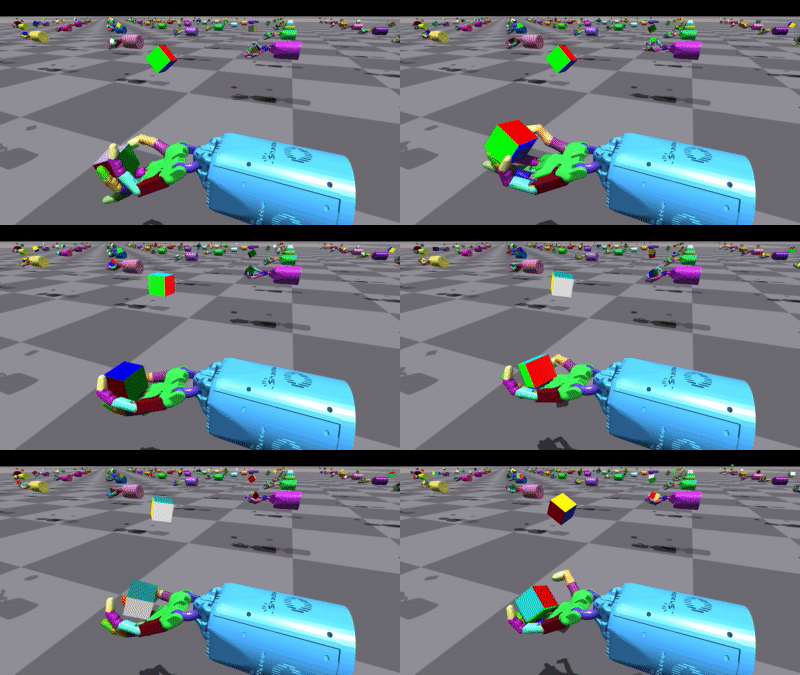
Synthetic data
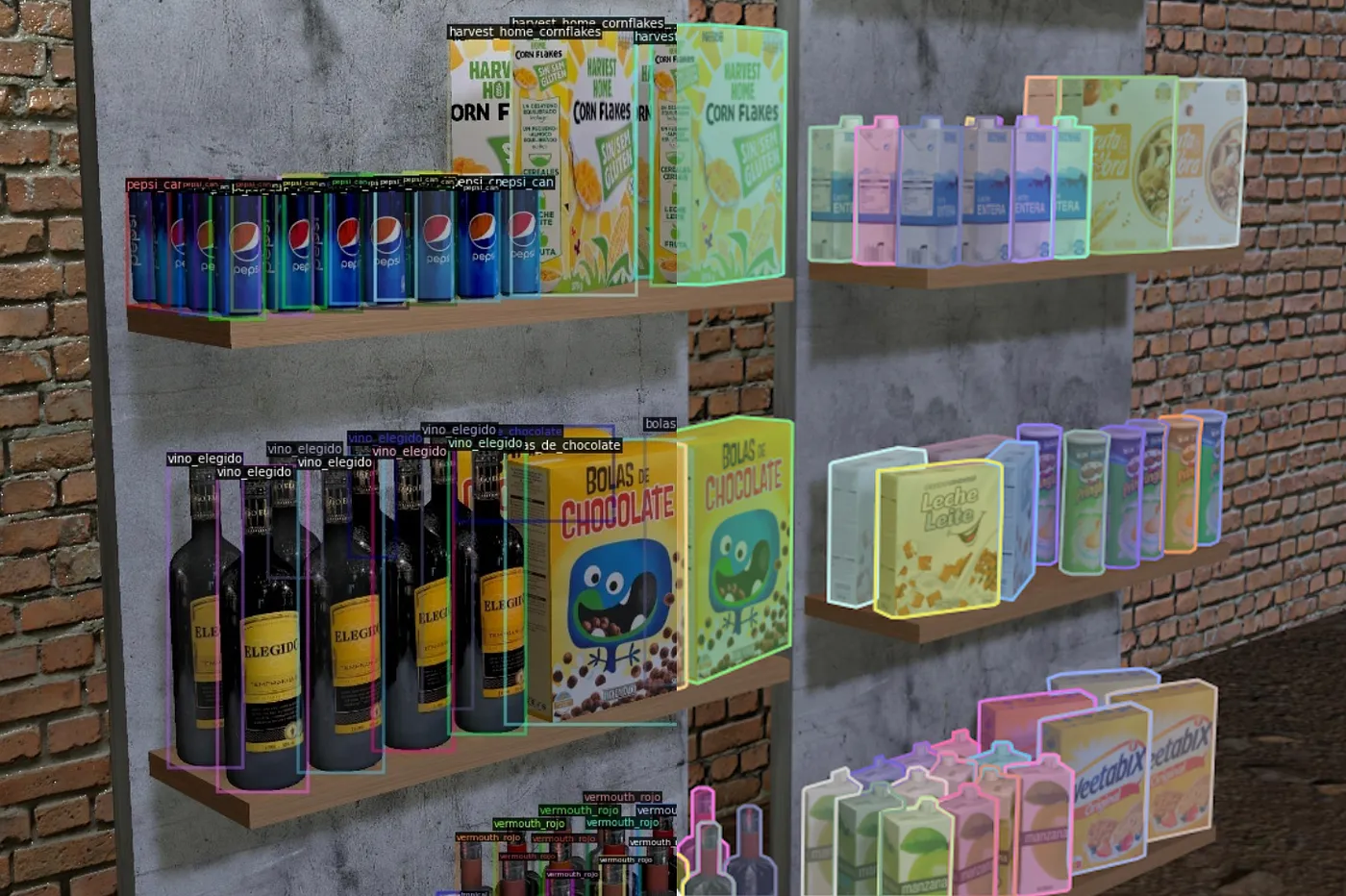
Synthetic data
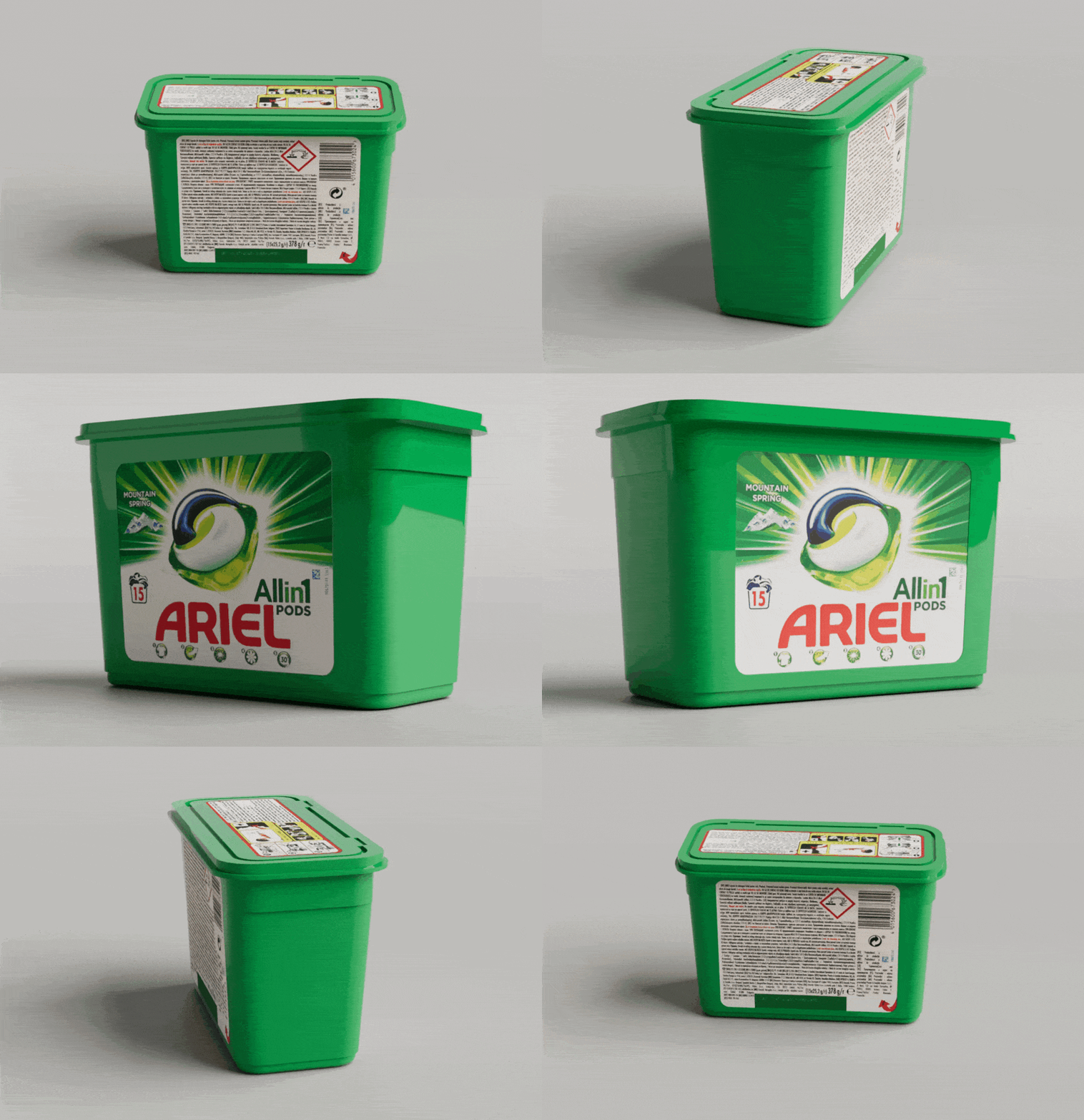
Synthetic data
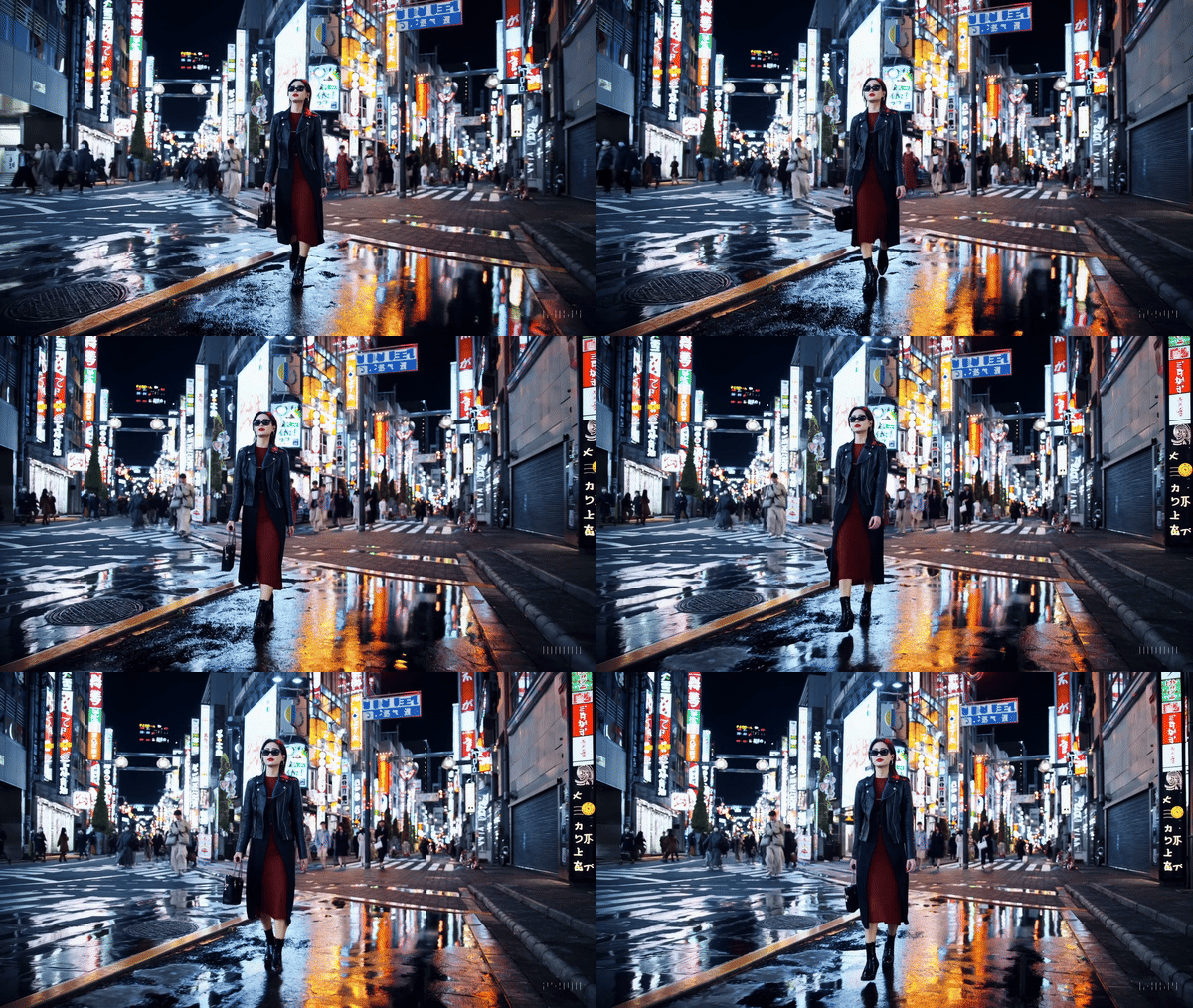
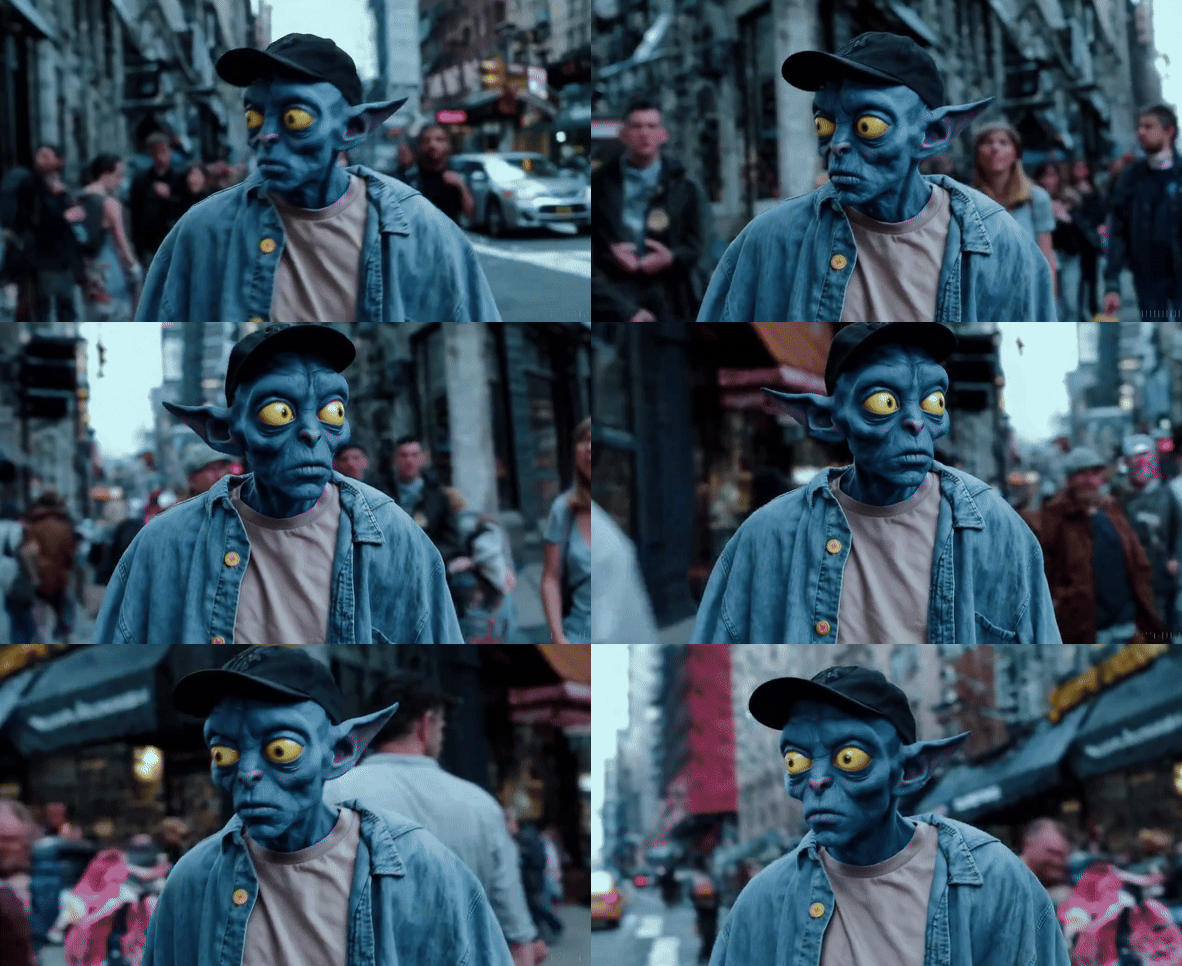
Synthetic data
- Unlimited
- Perfectly annotated
- Balanced distribution
- Doesn't contain sensitive information
Blender basics
Blender basics
import bpy
# Delete all objects
bpy.ops.object.select_all(action='SELECT')
bpy.ops.object.delete()
# Add a cube
bpy.ops.mesh.primitive_cube_add(location=(0,4,0), rotation=(0, 0, 0.7))
cube = bpy.context.active_object
# Add a material
cube.active_material = bpy.data.materials.new(name="MaterialName")
cube.active_material.diffuse_color = (1, 0, 0, 1)
# Add a camera
bpy.ops.object.camera_add(location=(0, -50, 0), rotation=(3.14 / 2, 0, 0))
bpy.context.scene.camera = bpy.context.active_object
# Add a light
bpy.ops.object.light_add(type='SUN')
# Render image
bpy.context.scene.render.resolution_x = 100
bpy.context.scene.render.resolution_y = 100
bpy.context.scene.render.filepath = '/path/to/render.png'
bpy.ops.render.render(write_still=True)
Task 1: Hello Blender
- Create a dataset of 50 images with 1-10 cubes
- Each image will contain red, green, and blue cubes
- The number of cubes of each color will be random
- The labels will be encoded in the filename:
- id_red_green_blue.png
(0_3_1_6.png)
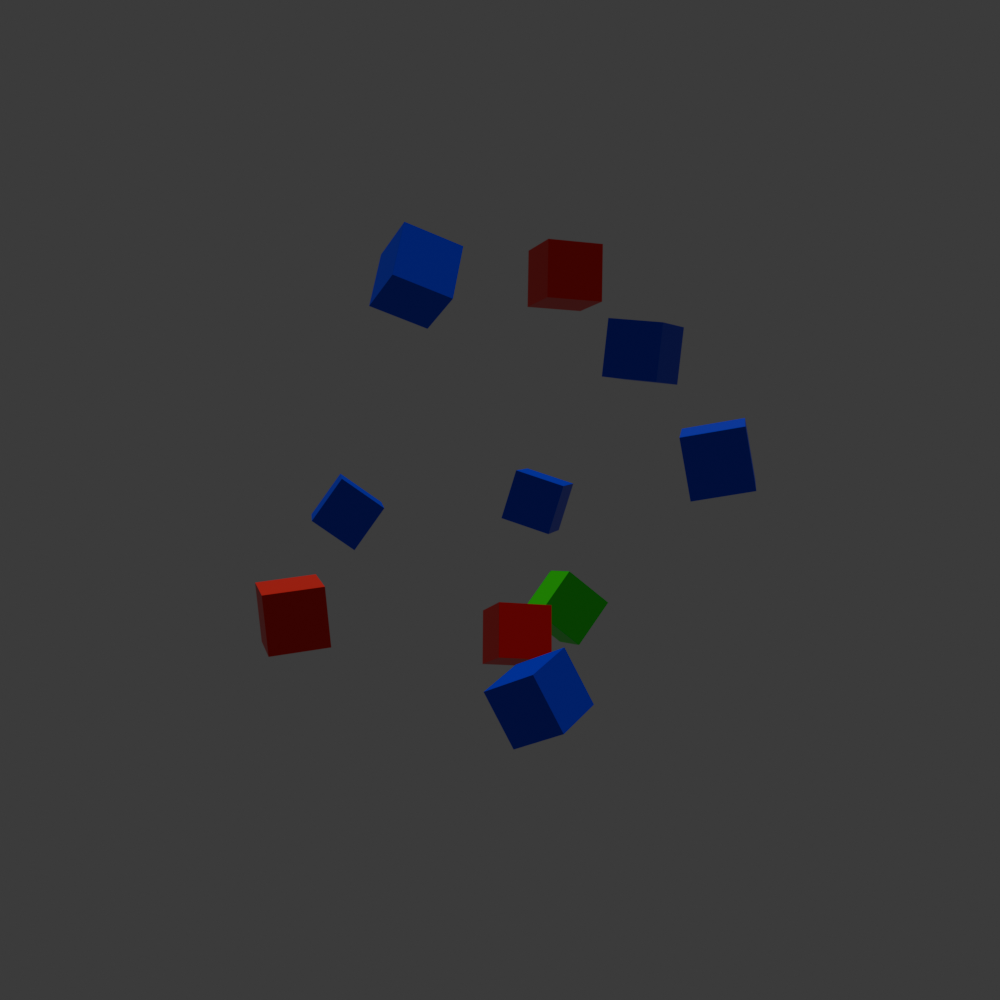
Task 1: Hello Blender
- Save regularly to prevent losing your work
- Keep the resolution low to speed up the rendering
- Use the random built-in package:
import random

random.randint(0, 10) # Random integer between 0 and 10
random.uniform(-3, 3) # Random float between -3 and 3
random.choice(['red', 'green', 'blue']) # Random choice from the list
3D-based synthetic data
3D environment
3D model
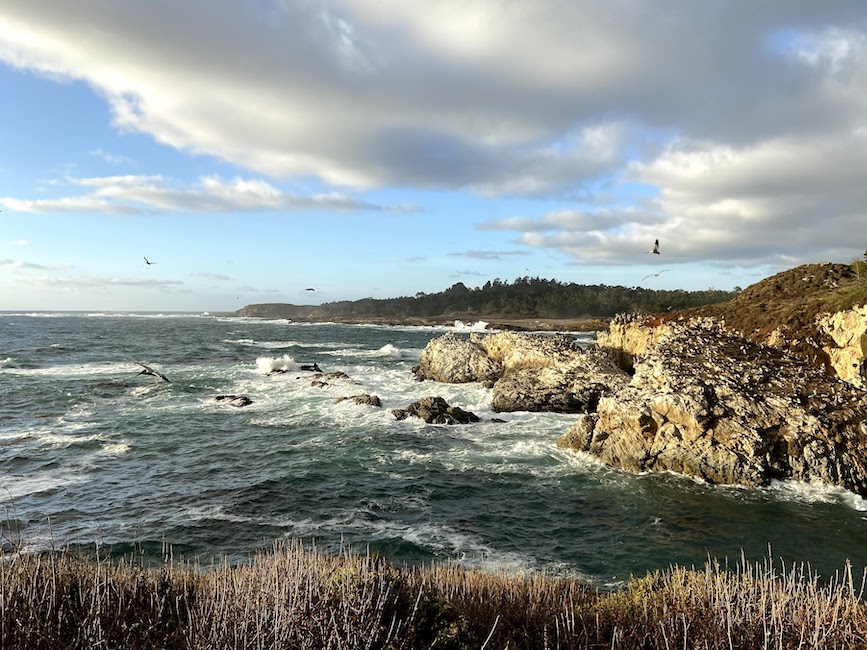
Background image
Lighting and camera
3D environment
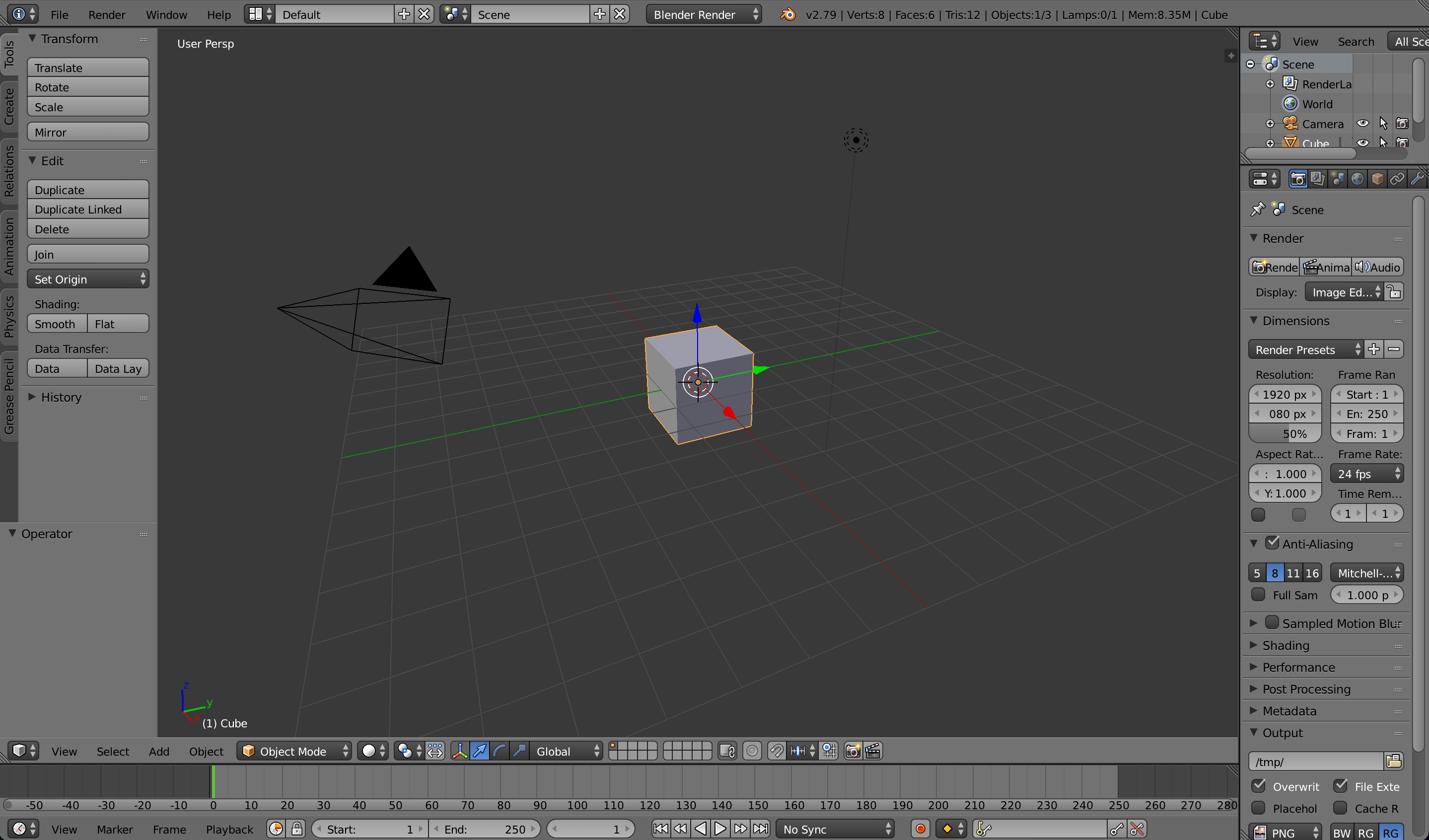
3D model
3D model
Background image
Lighting and camera parameters
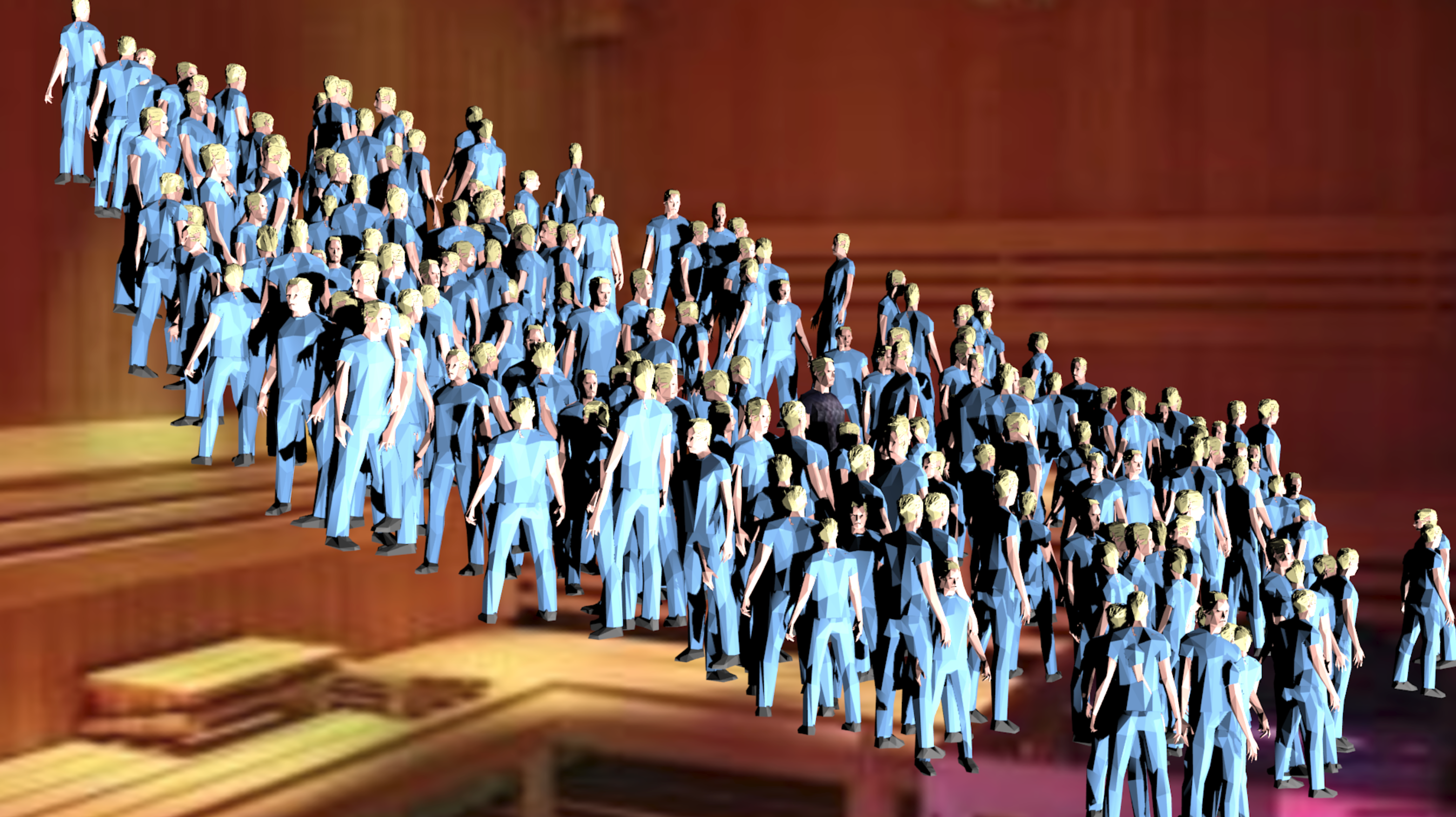
Loading assets in Blender
import bpy
# Delete all objects
bpy.ops.object.select_all(action='SELECT')
bpy.ops.object.delete()
# Import the model in FBX format
bpy.ops.import_scene.fbx(filepath="/path/to/model.fbx")
imported_object = bpy.context.selected_objects[0]
imported_object.location = (0, 0, 0)
imported_object.rotation_euler = (0, 0, 0)
imported_object.scale = (4, 4, 4)
# Add a camera
bpy.ops.object.camera_add(location=(0, -50, 0), rotation=(3.14 / 2, 0, 0))
bpy.context.scene.camera = bpy.context.active_object
# Add a light
bpy.ops.object.light_add(type='SUN', location=(0, 0, 0), rotation=(0, 0, 0))
# Background plane
bpy.ops.mesh.primitive_plane_add(size=2, location=(0, 60, 0), rotation=(3.14/2, 0, 0))
plane = bpy.context.active_object
plane.scale = (120, 120, 120)
mat = bpy.data.materials.new("BGMaterial")
mat.use_nodes = True
nodes = mat.node_tree.nodes
links = mat.node_tree.links
for node in nodes:
    nodes.remove(node)
tex_node = nodes.new("ShaderNodeTexImage")
emit_node = nodes.new("ShaderNodeEmission")
out_node = nodes.new("ShaderNodeOutputMaterial")
tex_node.image = bpy.data.images.load("/path/to/background.png")
links.new(tex_node.outputs["Color"], emit_node.inputs["Color"])
links.new(emit_node.outputs["Emission"], out_node.inputs["Surface"])
plane.data.materials.append(mat)
# Render image
bpy.context.scene.render.resolution_x = 256
bpy.context.scene.render.resolution_y = 256
bpy.context.scene.render.filepath = "/path/to/render.png"
bpy.ops.render.render(write_still=True)
# Remove orphan data
for block in bpy.data.meshes:
    if block.users == 0:
        bpy.data.meshes.remove(block)
for block in bpy.data.materials:
    if block.users == 0:
        bpy.data.materials.remove(block)
for block in bpy.data.images:
    if block.users == 0:
        bpy.data.images.remove(block)
Task 2: Savanna dataset
- Create a dataset of 30 images
- Each image will contain animals of the same type
- The labels will be encoded in the filename:
- id_animal.png
(0_lion.png)
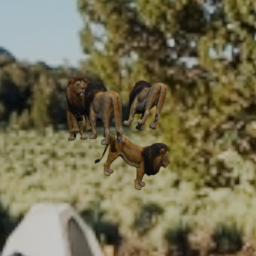
Use the provided backgrounds and 3D models
Task 2: Savanna dataset
Send your best synthetic images to workshop@enricmor.eu
Training a model with Pytorch
Dataset
Data splitting
DataLoader
Model
Optimizer
Training loop
Dataset
import torch
from torch.utils.data import Dataset

class MyDataset(Dataset):
    def __init__(self):
        super().__init__()
        self.images = torch.randn(1000, 3, 256, 256)
        self.labels = torch.randint(0, 2, (1000,))

    def __getitem__(self, index):
        return self.images[index], self.labels[index]

    def __len__(self):
        return len(self.images)
Data Splitting
from torch.utils.data import random_split

dataset = MyDataset()
train_size = int(0.8 * len(dataset))
val_size = len(dataset) - train_size

train_dataset, val_dataset = random_split(dataset, [train_size, val_size])
DataLoader
from torch.utils.data import DataLoader

train_loader = DataLoader(train_dataset, batch_size=32, shuffle=True, num_workers=4)
val_loader = DataLoader(val_dataset, batch_size=32, shuffle=False, num_workers=4)
Model
import torchvision
import torch.nn as nn

model = torchvision.models.resnet18()
model.fc = nn.Linear(model.fc.in_features, 3)
Model
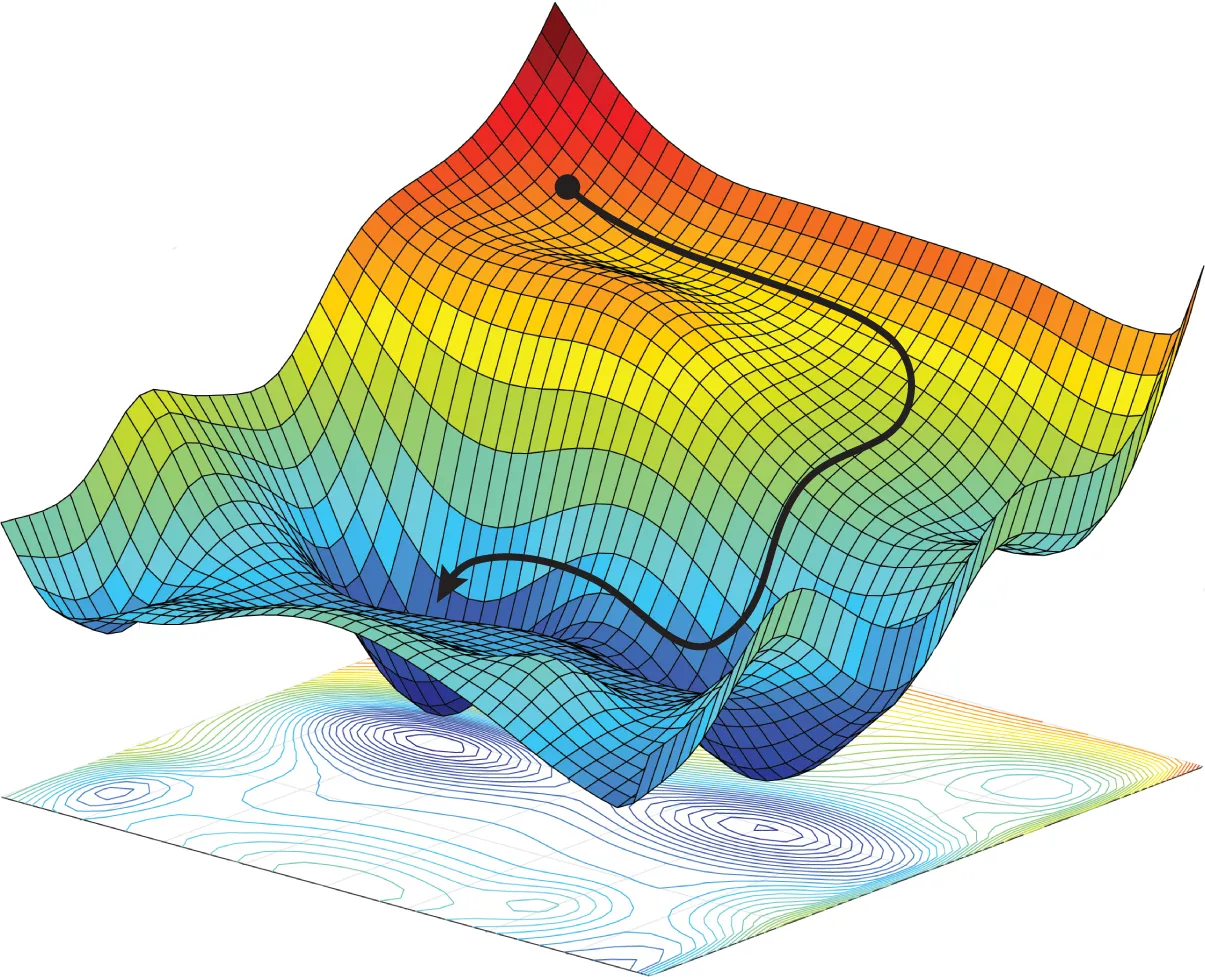
Optimizer
import torch.optim as optim
optimizer = optim.SGD(model.parameters(), lr=1e-3)
Optimizer
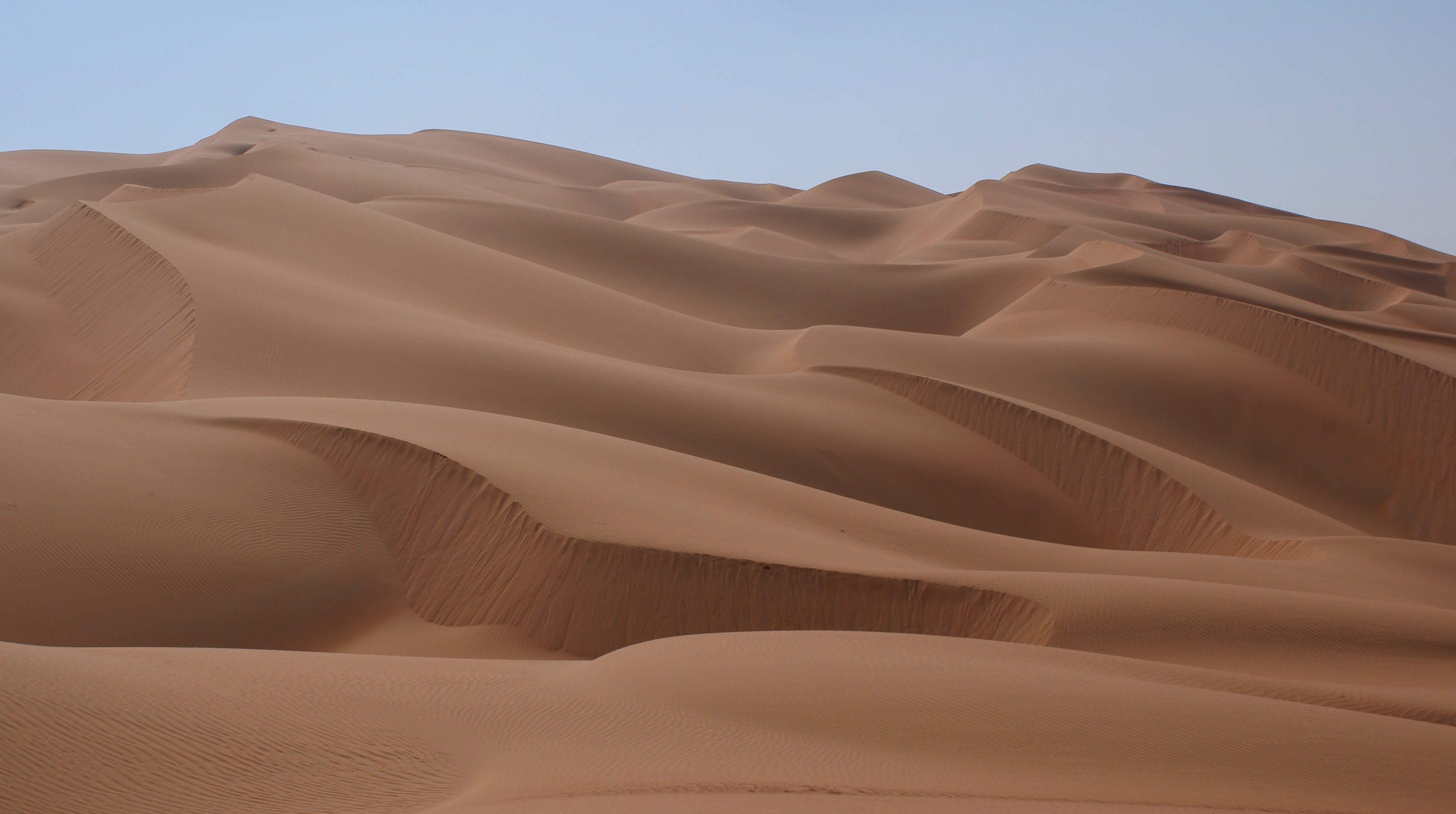
Optimizer
Loss
import torch.nn as nn

criterion = nn.CrossEntropyLoss()
Loss
Training loop
model.train()
num_epochs = 5

for epoch in range(num_epochs):
    for batch_data, batch_labels in train_loader:
        outputs = model(batch_data)
        loss = criterion(outputs, batch_labels)

        optimizer.zero_grad()
        loss.backward()
        optimizer.step()
Task 3: Train a classifier
Complete the missing components:
- Model
- Optimizer
End of Day 1
Recap of Day 1
Introduction to synthetic data
Hello Blender
Savanna dataset

Image classifier
Day 2
- Training a segmentation model
- Domain randomization
- Domain adaptation
Training a segmentation model
Model
Train data
Test data
Train data: Synth-colon
- 828 images
- 256x256 pixels
- Generated with Blender
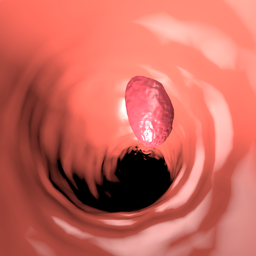
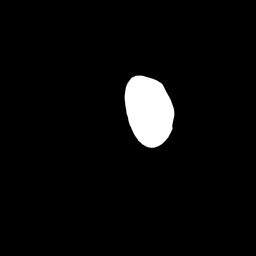
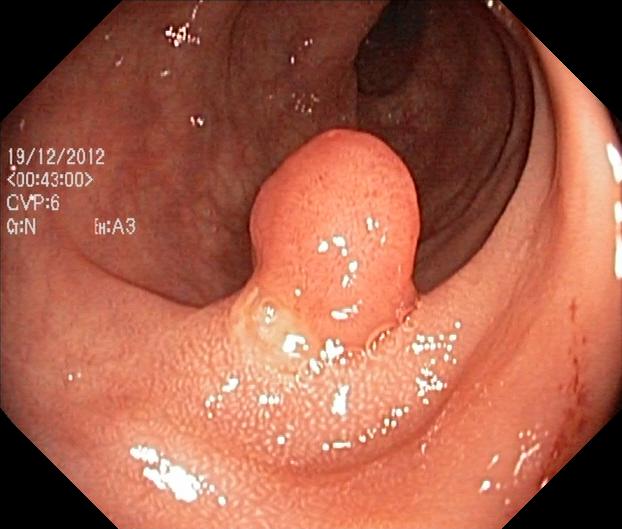
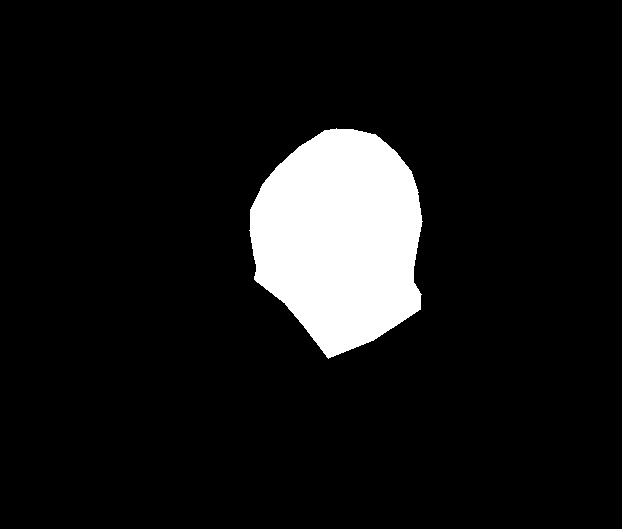
Test data: Kvasir-SEG
- 1000 images
- various sizes
- Each image contains 1 polyp
- Collected and annotated by medical professionals
Task 4: Synthetic polyp segmentation
Improve the following components:
- Model
- Optimizer
- Loss function
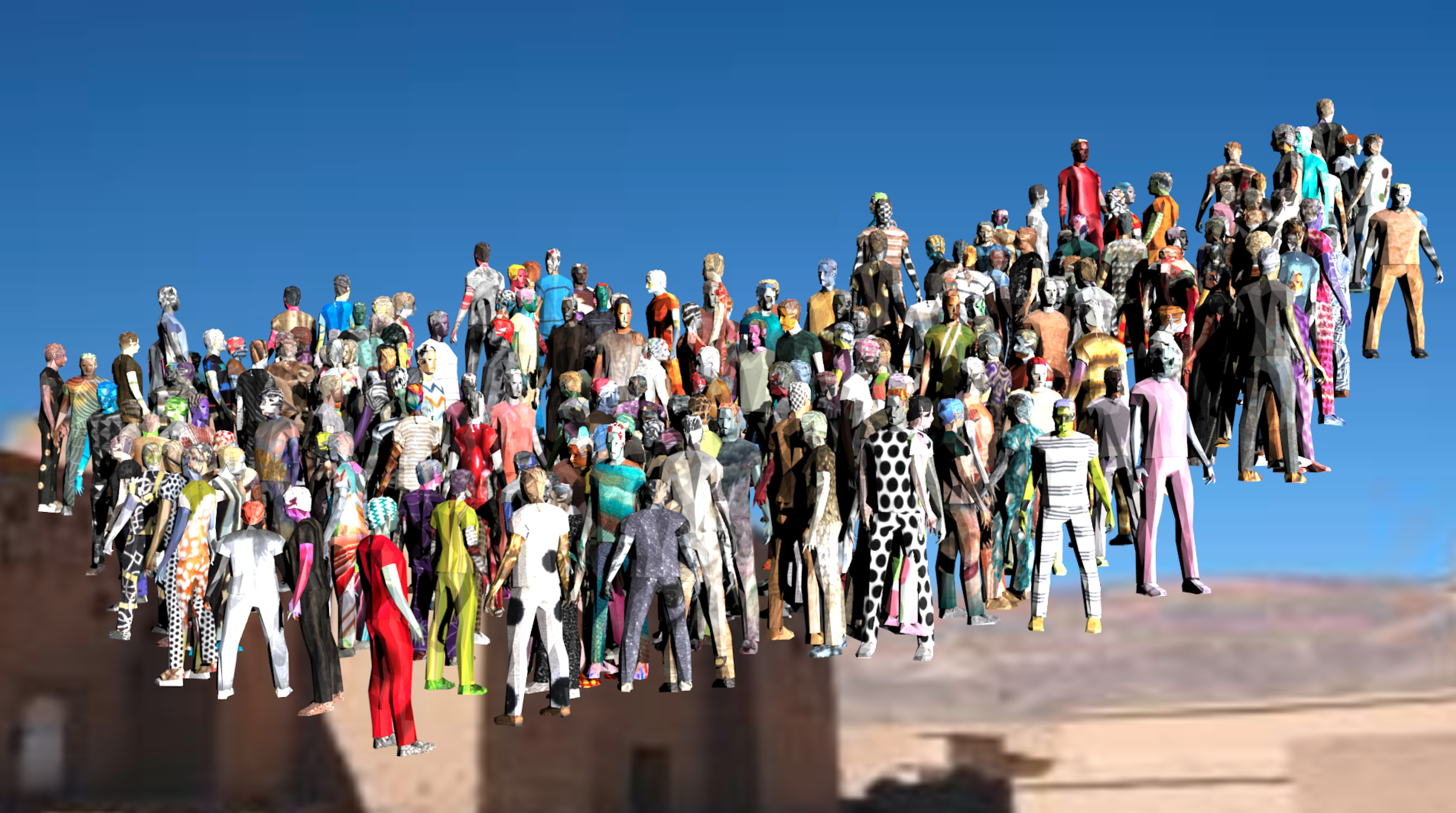
Domain randomization
Domain randomization
Synthetic
⟶
Real
Domain randomization
Synthetic
Real
Domain randomization
Data augmentation
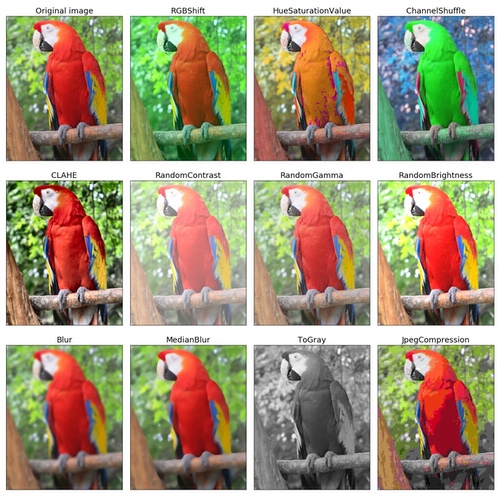 Albumentations: https://albumentations.ai/
Style transfer
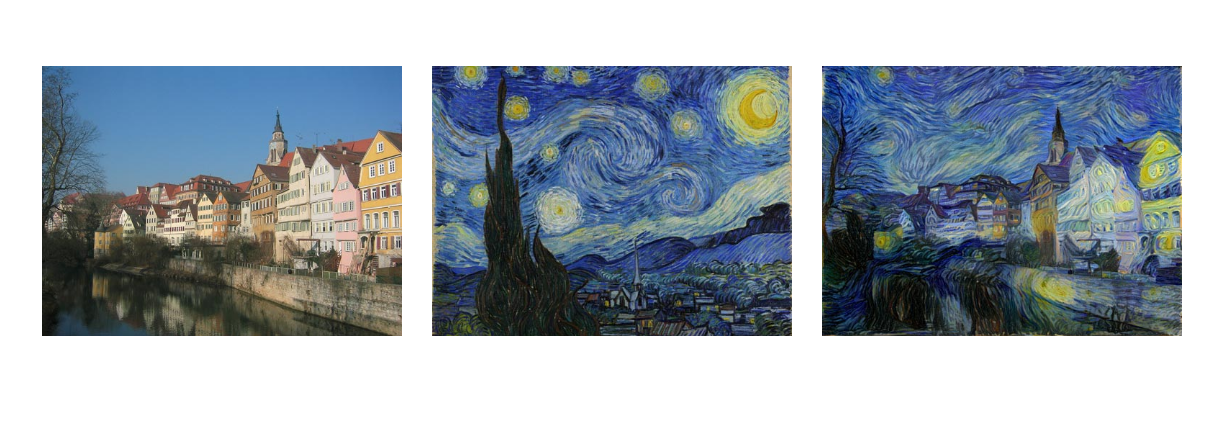 Gatys, Leon A. "A neural algorithm of artistic
style." arXiv preprint arXiv:1508.06576 (2015)
Gatys, Leon A. "A neural algorithm of artistic
style." arXiv preprint arXiv:1508.06576 (2015)
Style transfer
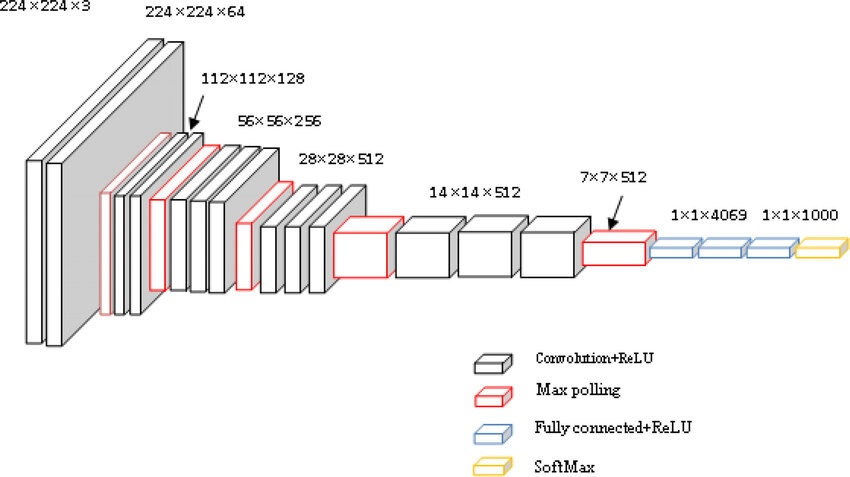
VGG-16
Simonyan, Karen. "Very deep convolutional networks for large-scale image recognition." arXiv preprint arXiv:1409.1556 (2014).Style transfer
Task 5: Stylize the Savanna dataset
- Try multiple styles
- Find a good balance between style and content
Task 5: Stylize the Savanna dataset
Send your best stylized images to workshop@enricmor.eu
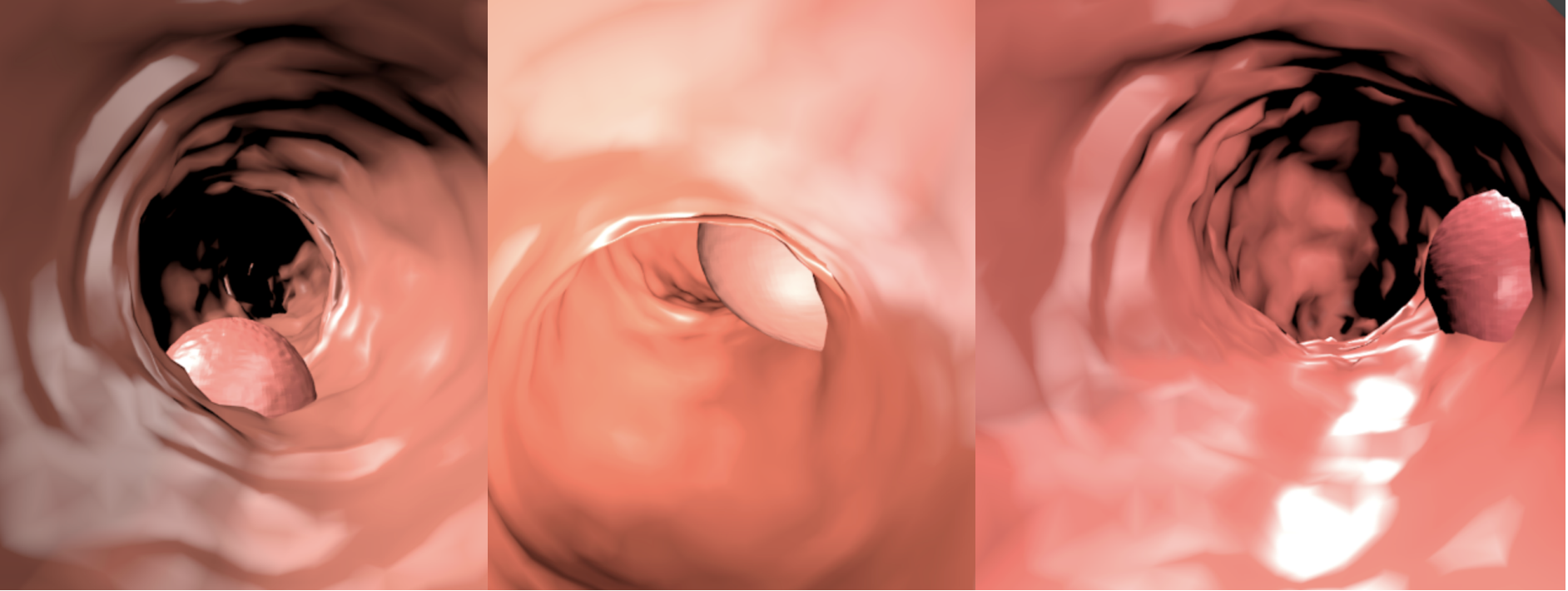
Domain adaptation
Domain adaptation
Synthetic
⟶
Real
Domain adaptation
Domain adaptation
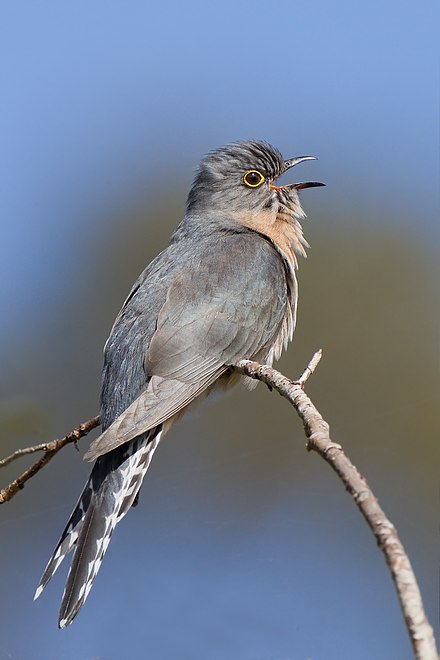 Source: Wikipedia
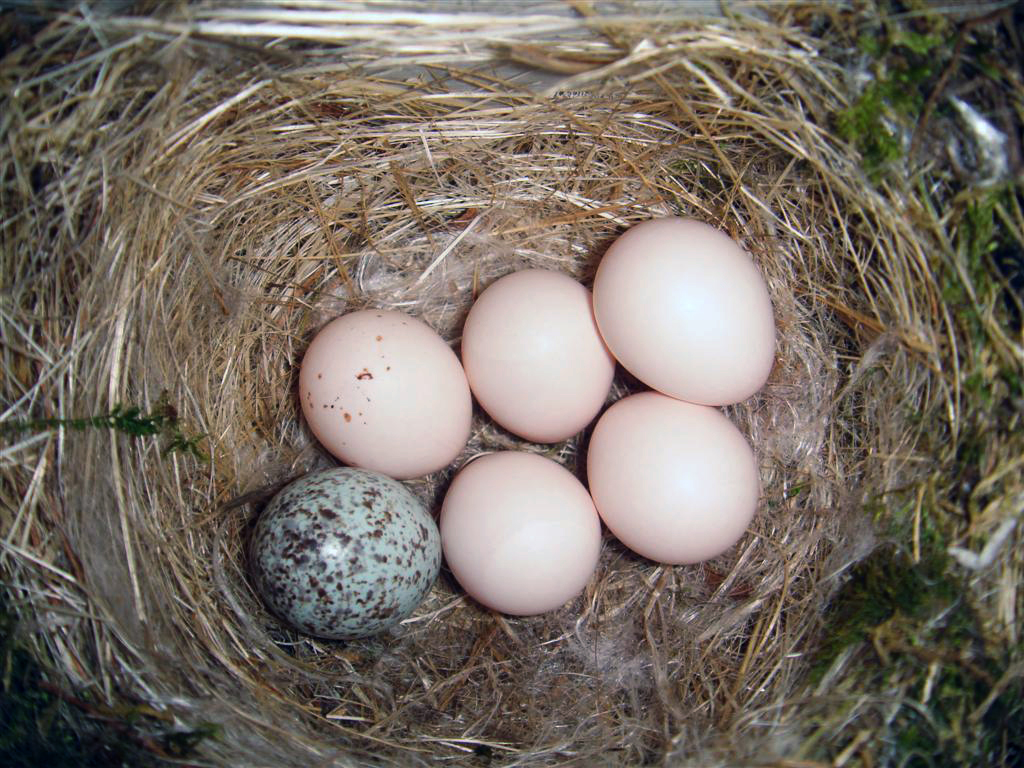
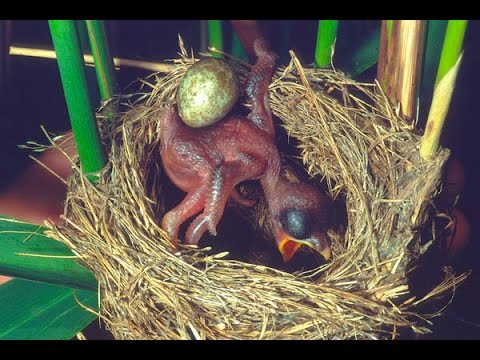
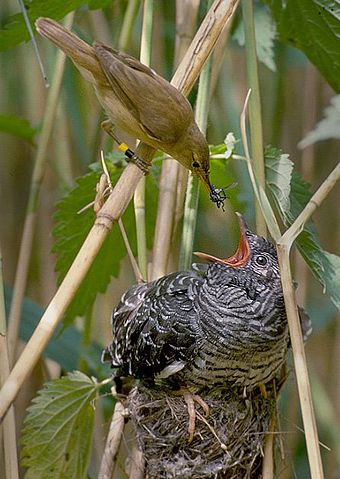
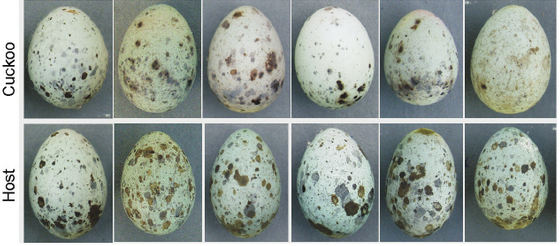 Moskát, Csaba, et al. "Cuckoo parasitism on two
closely-related Acrocephalus warblers in distant areas: a case of parallel coevolution?." Avian
Research 3.4 (2012): 320-329.
Moskát, Csaba, et al. "Cuckoo parasitism on two
closely-related Acrocephalus warblers in distant areas: a case of parallel coevolution?." Avian
Research 3.4 (2012): 320-329.
Generative adversarial networks
Generative adversarial networks
Generative adversarial networks
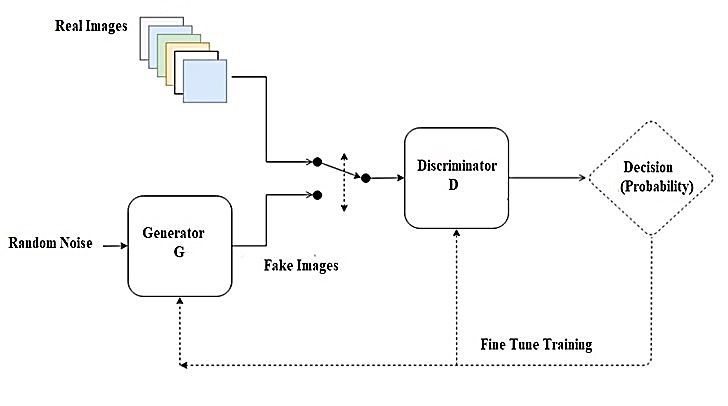 Revi, Remya, K. R. Vidya, and M. Wilscy.
"Detection of deepfake images created using generative adversarial networks: A review." Second
International Conference on Networks and Advances in Computational Technologies: NetACT 19.
Springer International Publishing, 2021.
Revi, Remya, K. R. Vidya, and M. Wilscy.
"Detection of deepfake images created using generative adversarial networks: A review." Second
International Conference on Networks and Advances in Computational Technologies: NetACT 19.
Springer International Publishing, 2021.
Generative adversarial networks
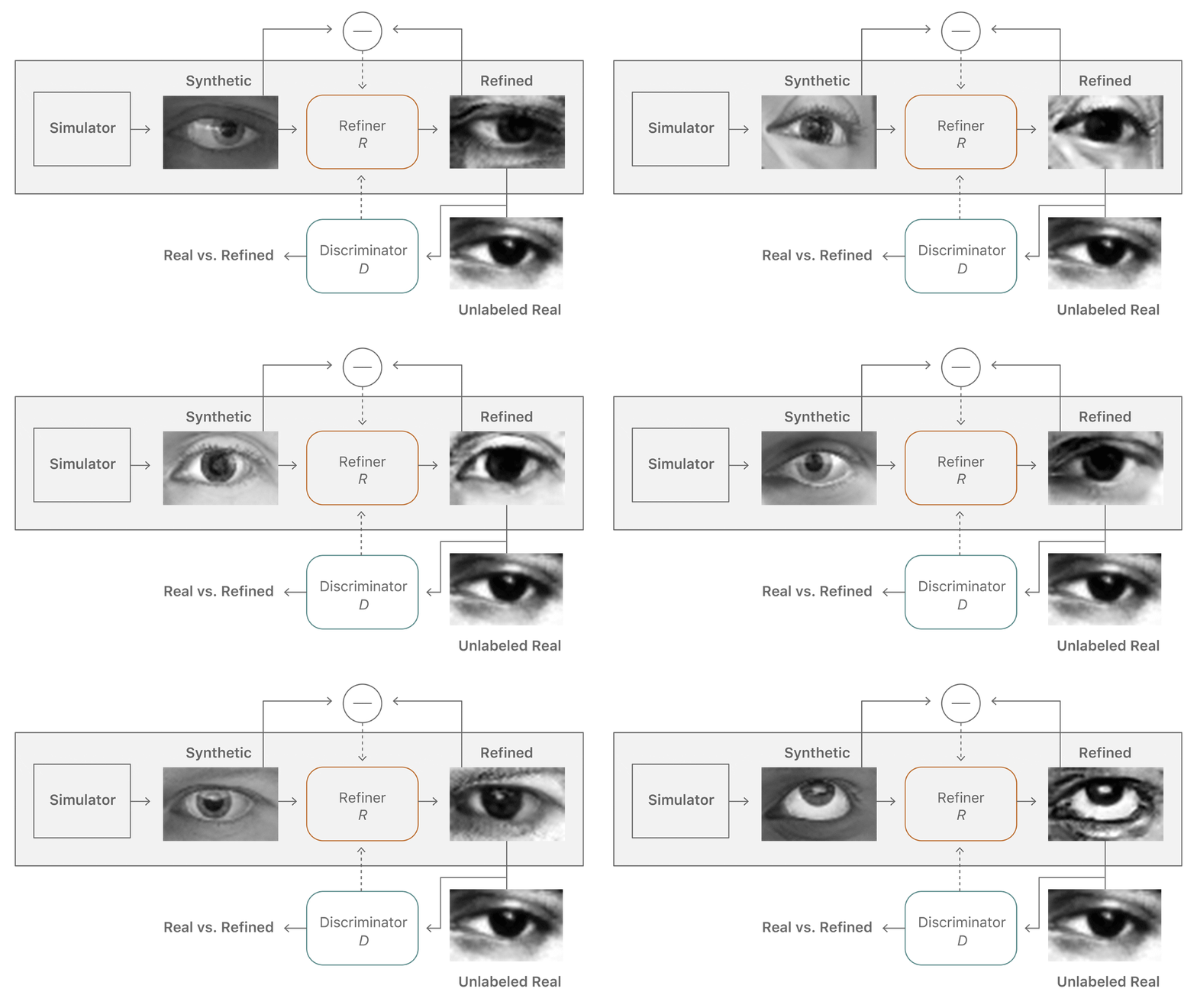
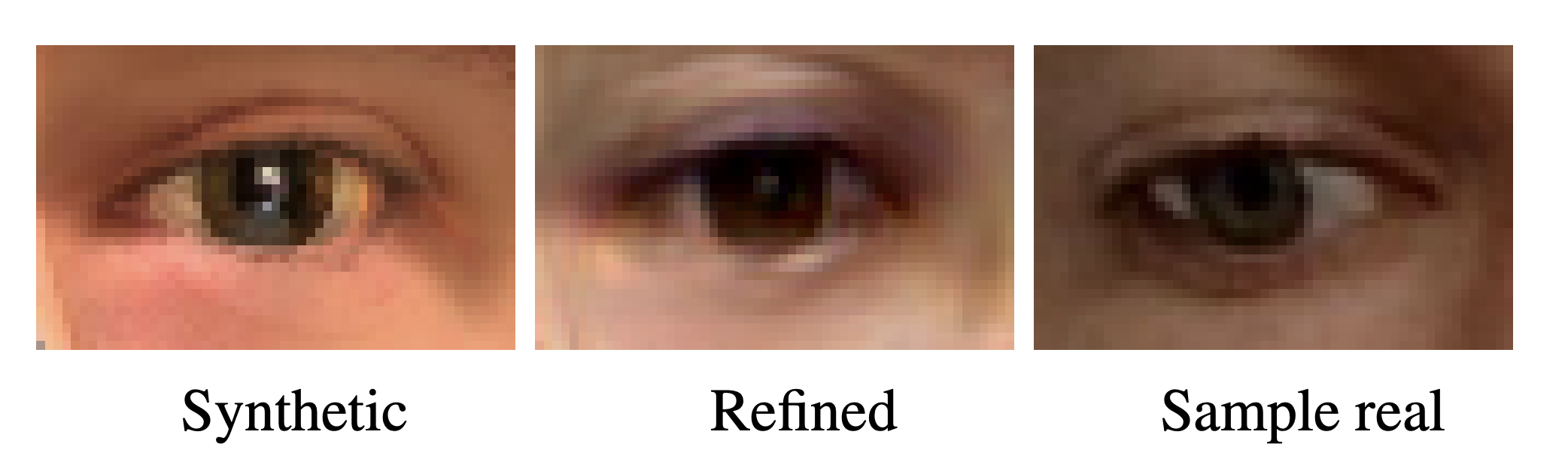 Shrivastava, Ashish, et al. "Learning from
simulated and unsupervised images through adversarial training." Proceedings of the IEEE
conference on computer vision and pattern recognition. 2017.
Shrivastava, Ashish, et al. "Learning from
simulated and unsupervised images through adversarial training." Proceedings of the IEEE
conference on computer vision and pattern recognition. 2017.
CycleGAN
CycleGAN

Zhu, Jun-Yan, et al. "Unpaired image-to-image translation using cycle-consistent adversarial networks." Proceedings of the IEEE international conference on computer vision 2017-Octob. 2017.
CycleGAN
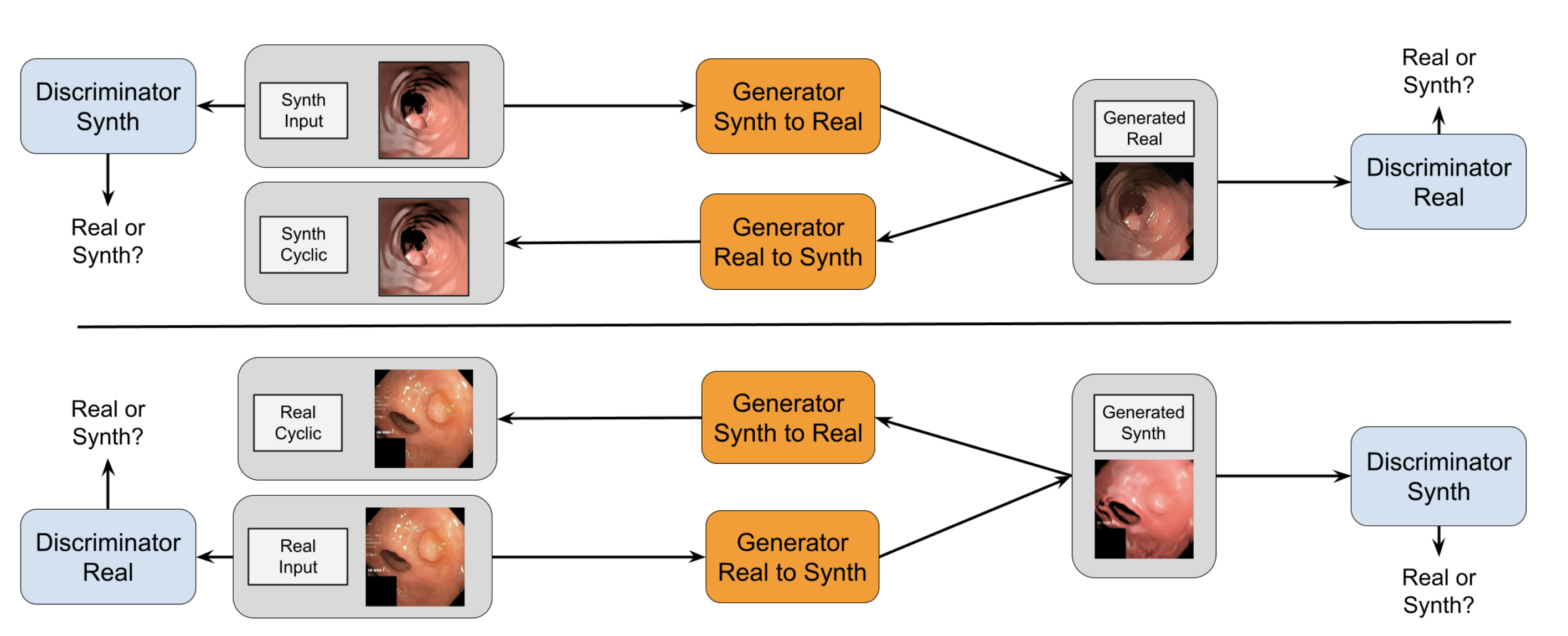
Zhu, Jun-Yan, et al. "Unpaired image-to-image translation using cycle-consistent adversarial networks." Proceedings of the IEEE international conference on computer vision 2017-Octob. 2017.
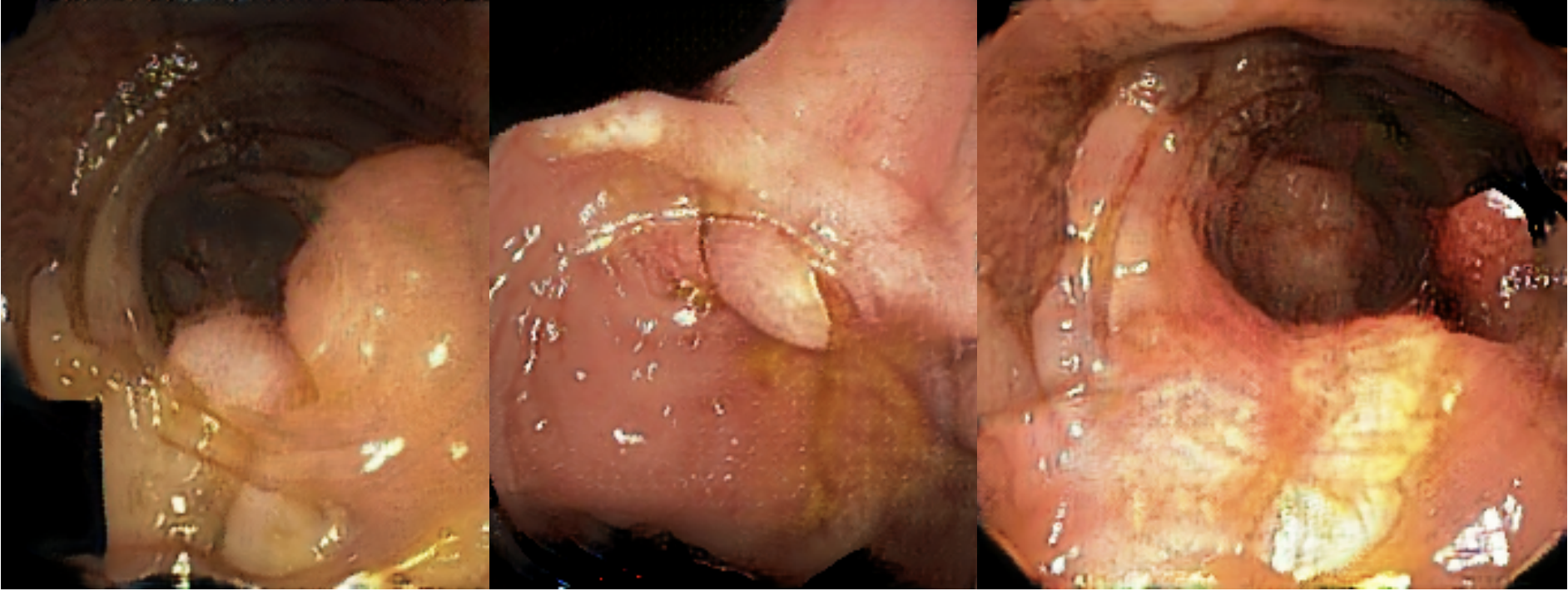
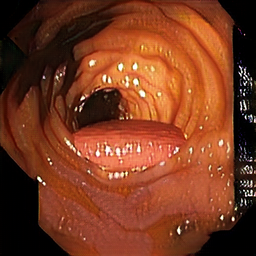
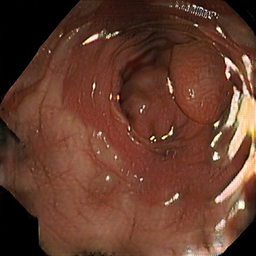
Task 6: Synthetic polyp segmentation with domain adaptation
- Apply data augmentation to the train dataset
- Use the CycleGAN-adapted synthetic images
- Select a model, optimizer and loss function
Wrapping up
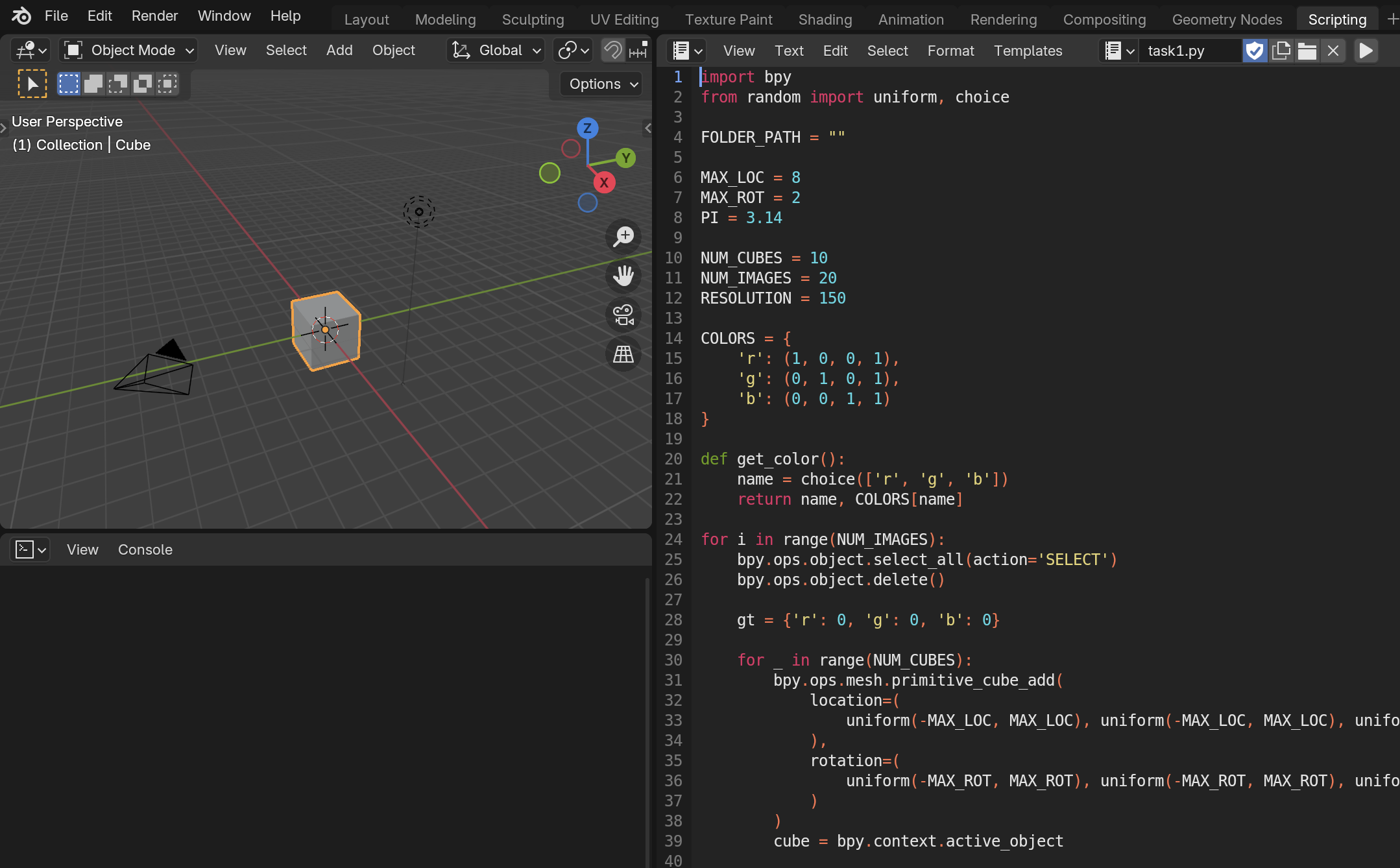
Hello Blender
Pytorch introduction
Domain randomization
Data augmentation
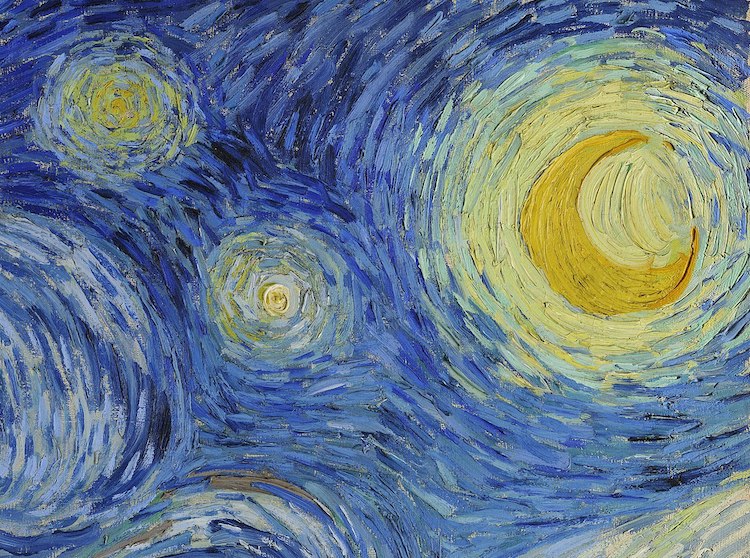
Style transfer
Domain adaptation
Generative networks
CycleGAN